Galaxy Nexus

The Galaxy Nexus is a touchscreen smartphone developed by Google and Samsung. It is an interactive device designed for all user groups, and is intended to be used as a mobile phone with extra functions such as media playing, Internet browsing, video recording, and GPS navigation.
I enjoy the Galaxy Nexus's slim and lightweight profile. It fits comfortably in my hand and front pants pocket, and the device's two buttons (one each on the left and right sides) are easily accessible regardless of which hand I am using to hold the phone. I prefer putting my phone upside-down in my pocket, so I think designing the headset jack to be on the bottom of the phone was a good idea. This design choice allows my phone to stay aligned with the bottom of my pocket, instead of awkwardly resting on top of my headphone's plug. On the other hand, I think putting the micro USB port on the bottom was a bad idea. I was using my Galaxy Nexus as a GPS navigation system in the car and found that it was impossible to prop it up on the dashboard if I also wanted to use my car's USB port to charge the phone at the same time; the phone would just fall off since it couldn't balance on top of the charging cable.

A device's design can be objectively judged to be "good" or "bad" based on how many usability and user experience goals it meets. Usability goals are defined as effectiveness, efficiency, safety, utility, learnability, and memorability. The Galaxy Nexus works great as a mobile phone, its main function. Calls can be picked up or ignored with a simple swipe of your thumb, and volume can be adjusted on-the-fly via the volume key. Its other functions are performed through apps. These apps can be easily accessed with the three keys at the bottom of the screen, and the center button in the row above those three keys. The Galaxy Nexus already comes prepackaged with a wide array of functions, but for the user who needs more, additional functions can be added by downloading more apps from the Google Play store. The use of the buttons and the touchscreen should come easily to anyone familiar with current finger gestures and phone hardware. The touchscreen is responsive to the appropriate gestures for scrolling up and down, zooming in and out, swiping left and right, and selecting buttons. It is a fun experience and is a joy to use. To these ends I can safely say that the Galaxy Nexus's design is "good".
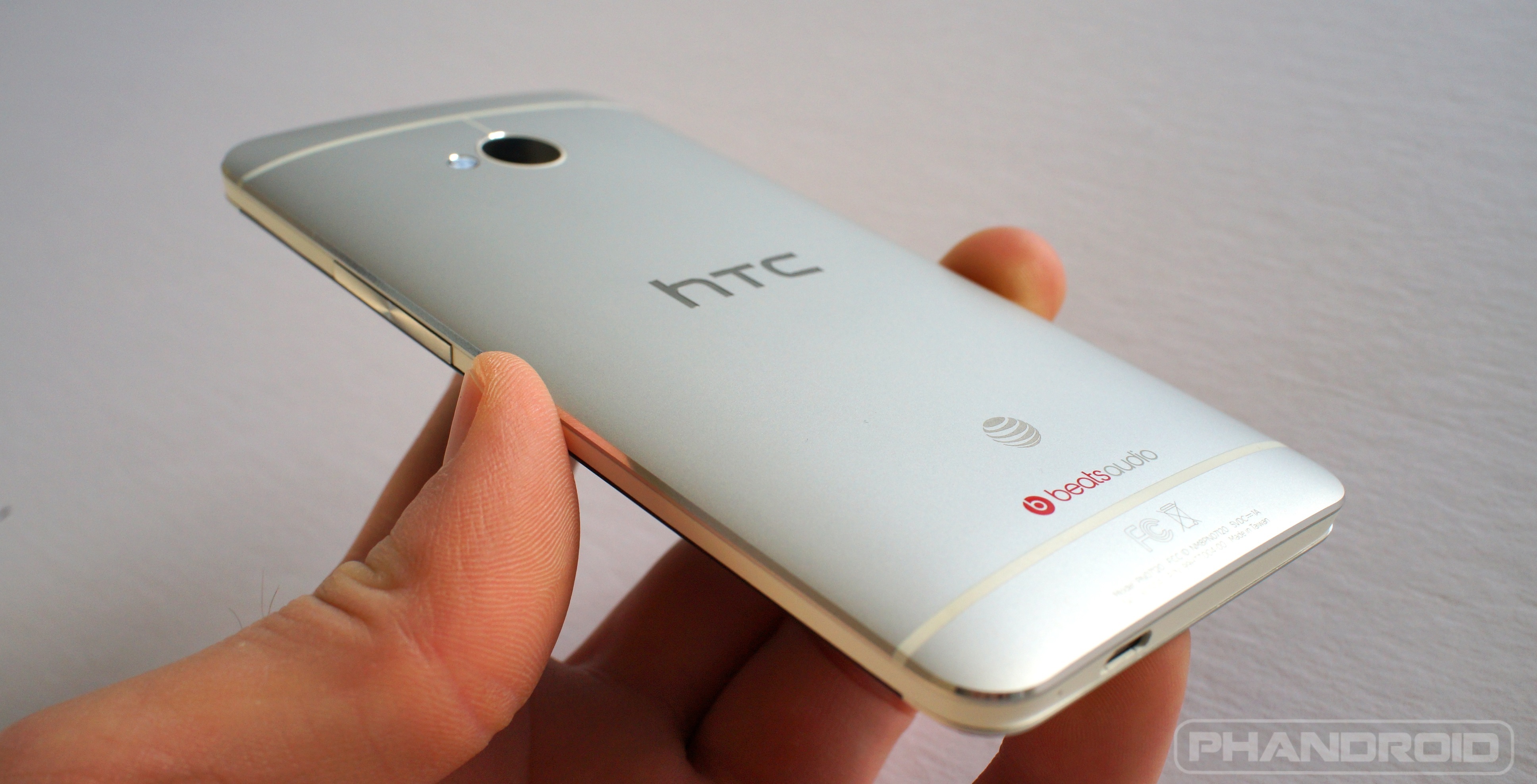 Despite its "good" design, there are still trade-offs that had to be made when developing the Galaxy Nexus. Besides the location of the USB port, the speakers on this phone are lacking as well. Speakers are often an afterthought, and it shows on the Galaxy Nexus. They are extremely quiet, even when set to the highest volumes. It is one of the few disappointments I have with the design of the device, and hopefully future iterations will improve on that issue. The design can also be improved with a bigger screen, in order to more fully enjoy any videos I watch on the phone, or by using an aluminum frame for the case, similar to the HTC One. An aluminum will give the device a more premium feel, and will protect it from falls better than the plastic used for the Galaxy Nexus.